LanguageJapanese
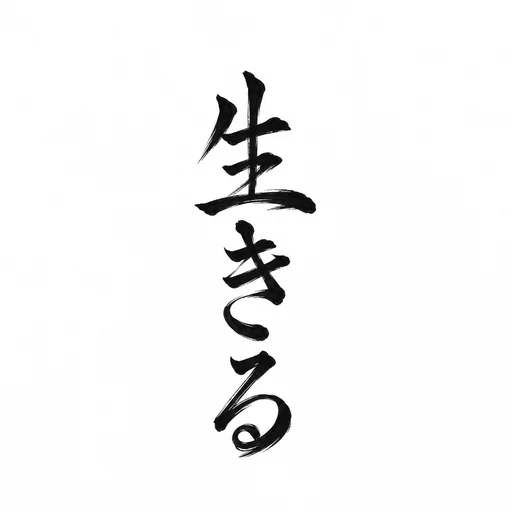
Exact wording生きる
What you want it to mean
Free · no card · no accountTo live — a reminder to actually do it, not just get through it.
Turn your idea into AI tattoo designs. Explore different directions, preview your favourite on your body and take a clear visual brief to your artist.
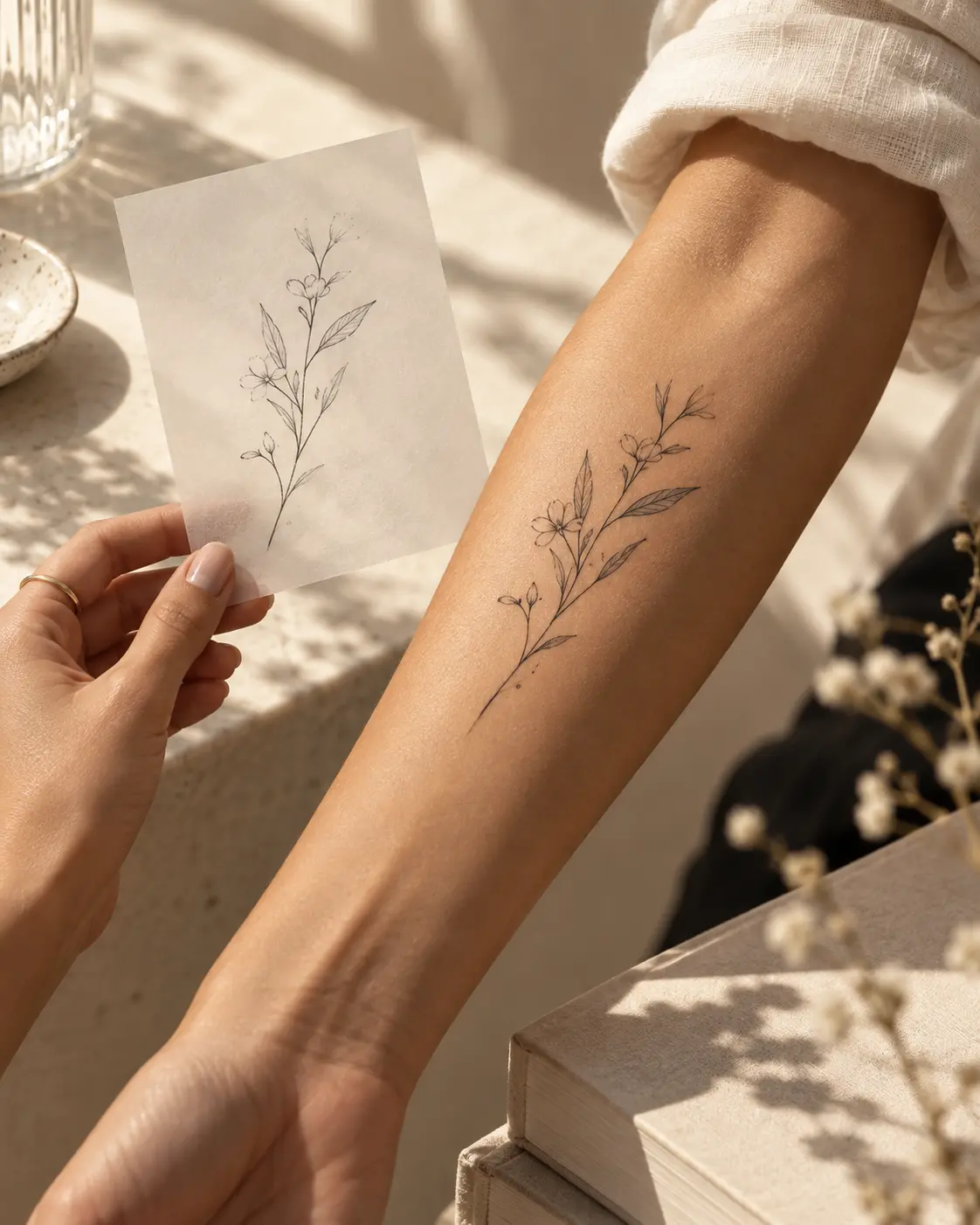
Create several tattoo directions, try your favourite on your body, refine the details and prepare a visual brief for your artist.
Start my tattoo design See Complete & exact contents →Just exploring? Start with 3 images for $12 →
8 image credits shared across concepts, AI previews and refinements, plus 15 AI checks. Each generated image or edit uses one credit. For example: 3 concepts + 2 previews + 3 refinements. AI images require a paid pack.
Create a design, explore placement or resolve a question about your wording.
Explore meaning, ambiguity and a translation draft.
Try one free AI check* →Upload your design and photo. Move, resize and compare.
Try the free placement tool →Turn your idea into visual directions, then refine your favourite.
Explore tattoo designs →*One complimentary AI check for eligible visitors, subject to trial limits. Manual planning tools are free; AI image generation and AI placement require paid credits. See packs and prices →
Start with the question on your mind.
Keep your references, wording and preferences together.
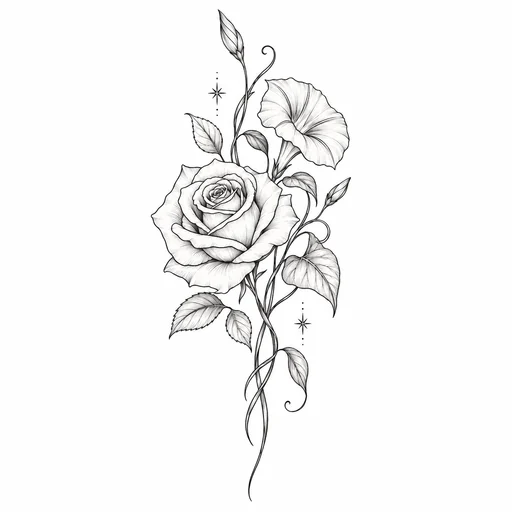
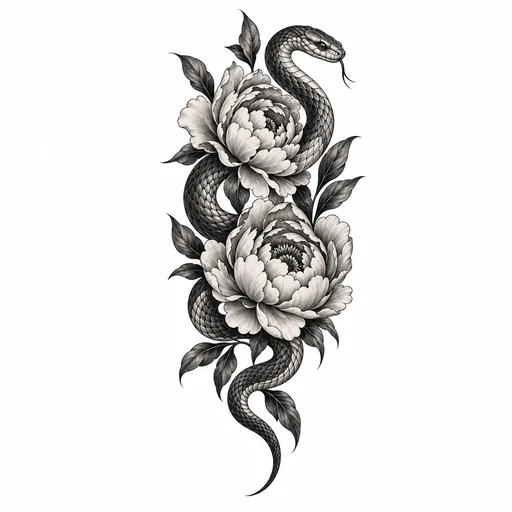
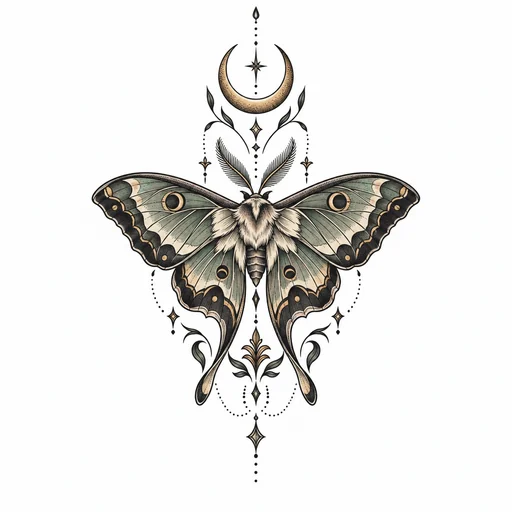
Start with a feeling, a memory, or a design. Explore Black, Black & Grey, or Colour. Find the direction that feels like you.
Find your directionWording, symbols, and the nuances in between. Know what to ask before you commit.
Check the details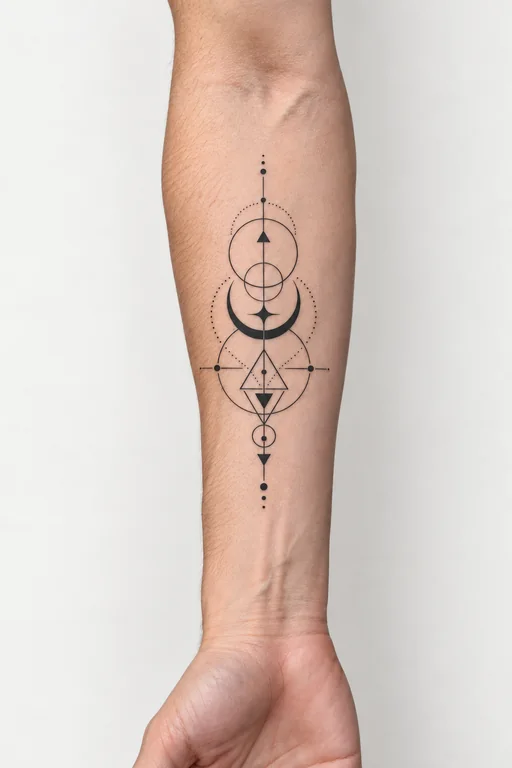 YOUR SKIN. YOUR CALL.
Try a placement. Adjust the size. Bring a clearer vision into your artist’s studio.
Try a placementNot every tattoo starts with a picture.
Sometimes, it starts with a feeling.
Growth, in your own time.
Bring your idea, references, proposed placement and questions together. Print your brief or save it as a PDF to discuss with your tattoo artist.
See how wording guidance, a printable artist brief and review notes can help you prepare. These are illustrative samples, not customer results or verified translations.
ILLUSTRATIVE SAMPLES · NOT HUMAN-VERIFIED RESULTS
To live — a reminder to actually do it, not just get through it.
AI guidance, not human verification. Confirm the exact lettering with a fluent speaker.
This is the shape of an AI check: what the words read as, which form carries the meaning, and what to ask. A fluent speaker still has to confirm the exact stencil.
Try this example in the checkerBrowse illustrative styles, compositions and ink treatments. Use them to describe what you like, then generate your own concept in the studio. Your results will vary with your idea and refinements.
A bare dictionary-form verb. Worth checking whether the phrase reads as a statement or as a heading, and whether every stroke count is right before the stencil.
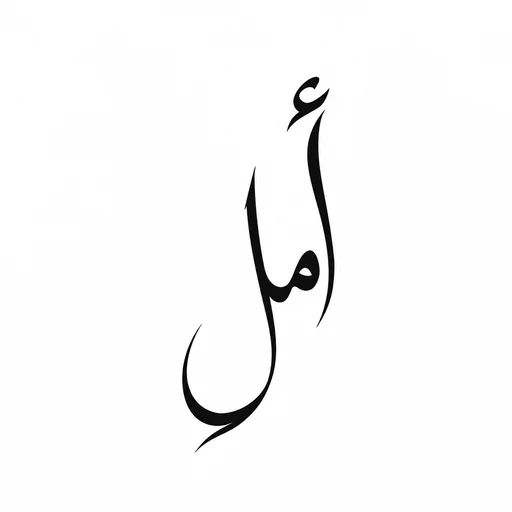
A continuous line with no obvious word break. Ask a fluent reader to identify the exact lettering and reading direction before you commit to it.
Detail this fine needs room. Below roughly 8 cm the petal separation closes up and the small stars disappear entirely.
Black & grey lives or dies on the shading. Ask to see a healed piece from the same artist, not a fresh one — the contrast drops as it settles.
Colour settles differently on different skin tones. Ask your artist how this palette will read on yours in five years, not on the day.
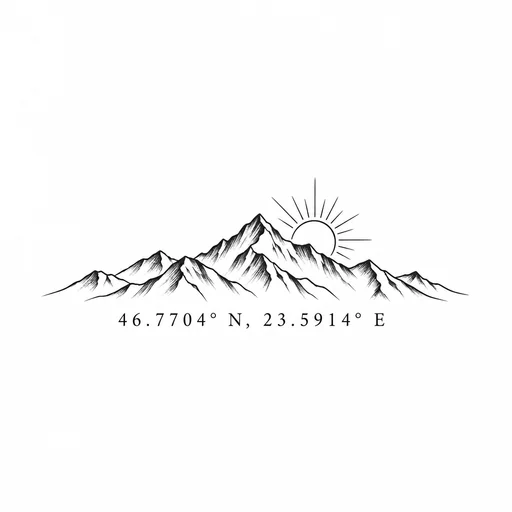
Coordinates are unforgiving — one wrong digit is permanent, and the numbers are easy to misread at stencil size. Read them back character by character.
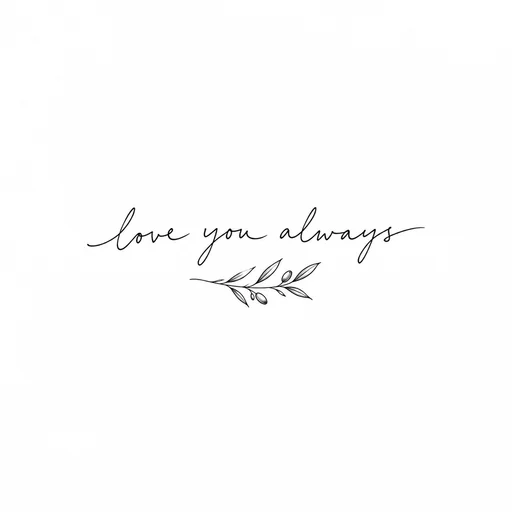
Cursive thins exactly where the letters join, which is where a stencil loses the most. Approve the lettering at real size, not on a screen.
Illustrative finished concepts, not customer work. The Japanese and Arabic pieces are script studies, not verified translations — the wording in any real project still needs a fluent speaker and your artist to confirm the final stencil.
Design my tattooPhotos stay local by default.
You choose when to save or share.
AI guidance and human verification are different.
We keep that distinction clear.
Better prepared clients. Better conversations.
The final craft belongs to your artist.
An online tattoo-planning workspace. Check wording with AI, try a design on your own photo and print a brief for your artist. Manual planning tools are free. Paid packs add AI credits and optional human feedback; tattoo appointments are arranged with your artist separately.
Absolutely. Upload a JPG, PNG, or WebP reference in the studio. You can use it in your placement preview and include it in your artist preparation brief.
No. Automated guidance can miss nuance, context, and lettering issues. Human verification means an identified reviewer has actually reviewed the wording. Human Review and Concierge include personal human feedback. Your reviewer states their exact language scope and flags wording that needs a fluent specialist.
A preview helps you compare composition and placement. It cannot predict your artist’s execution, skin texture, healed appearance, or exact physical scale. Confirm the final stencil with your artist.
No. The preparation studio is free to explore. Consumer packs are one-time purchases, with no recurring consumer subscription.
Photos stay in your browser by default. You can explicitly save them privately to your account, or separately consent to send them to OpenAI for an AI placement preview. Manage saved photos and comparison links from your account.
Six useful emails over ten days: wording checks, placement ideas and questions for your artist. Includes optional TattooProof offers.
Choose your direction. Preview the placement. Bring it to your artist.